
Shopping for a drawing tablet or pen display often turns into a numbers game. Pressure levels, report rate, resolution, color gamut percentages — these figures fill product pages and comparison charts. Yet many artists who switch to a device with "better" specs report the drawing feel barely changes, or in some cases feels worse. Understanding why specifications alone rarely capture the real creative experience is essential for anyone investing in professional drawing hardware.
The Specification Trap: More Numbers, Same Experience
Manufacturers publish specifications because they are easy to compare. A number is objective, measurable, and simple to place in a chart. But a drawing tablet is not a single component — it is a system involving pen hardware, sensor calibration, driver software, screen surface texture, and operating system integration. Isolated numbers describe individual parts of that system, not how they work together.
Pressure Levels vs. Pressure Tuning
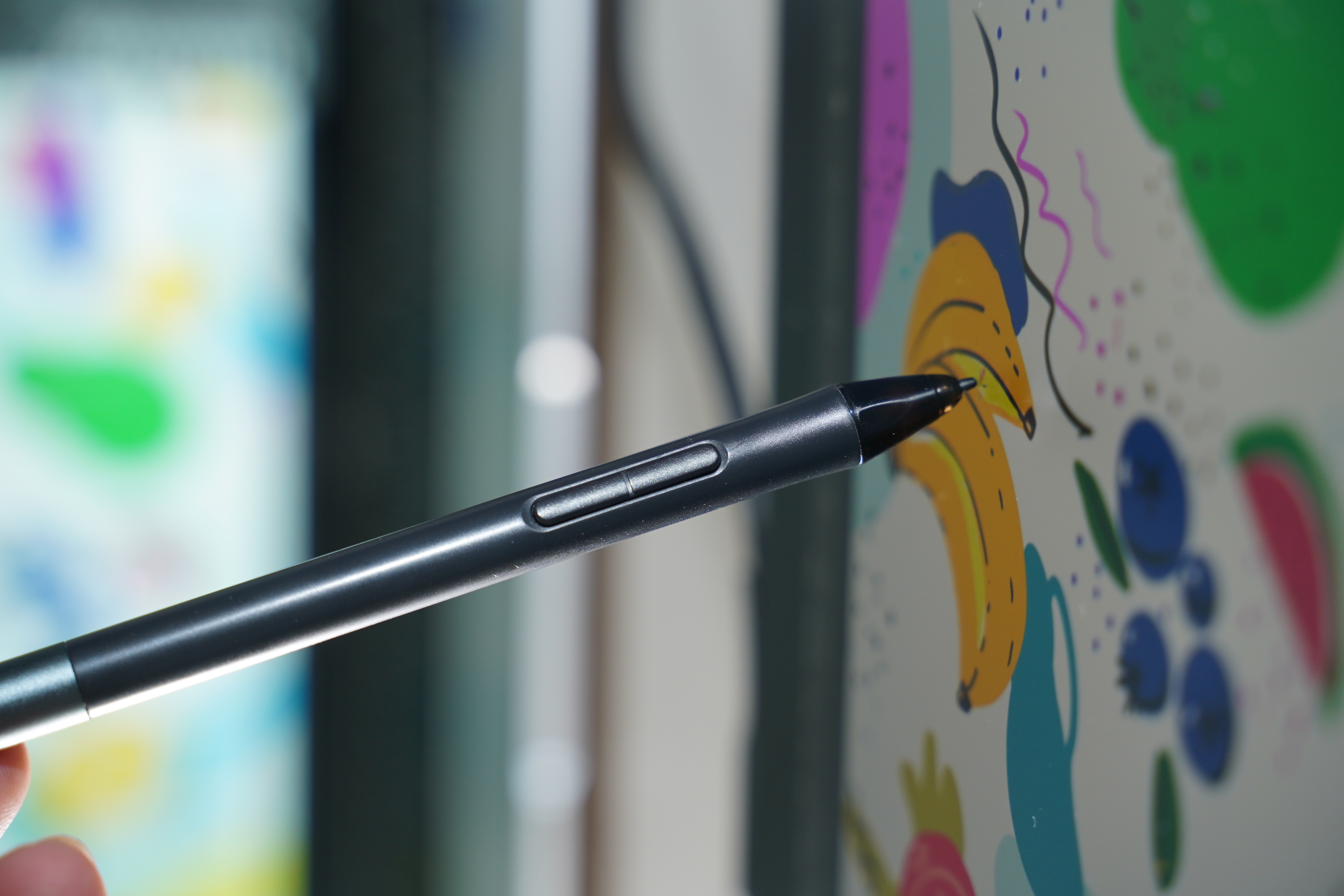
Pressure sensitivity levels indicate how finely a pen can register force — for example, up to 16,384 levels on higher-end pens using MagicPen 5.0 technology, or 8,192 levels on more standard tablets such as the Inspiroy Frego M (L610). A higher level count theoretically allows smoother gradation between light and heavy strokes. However, the raw level count only matters if the pressure curve is properly tuned. Pressure tuning determines how much physical force is needed to reach each level, and how evenly that response is distributed across light, medium, and firm pressure. Two pens with identical maximum pressure levels can feel completely different if one requires excessive force for fine lines while the other responds too sensitively at the lightest touch. This is why pressure tuning, often adjustable through driver settings, matters as much as the advertised level count.

Report Rate vs. Actual Input Latency
Report rate — for instance, up to 330 PPS on some MagicPen-equipped displays — describes how many times per second the pen reports its position to the device. A higher report rate can support smoother line tracking during fast strokes. But report rate alone does not equal input latency, which is the delay a user perceives between moving the pen and seeing the line appear on screen. Latency depends on additional factors including the display's own refresh rate, the software rendering the stroke, and how efficiently the driver processes incoming pen data. A tablet with an impressive report rate can still feel laggy if these other elements are not optimized together.
Color Gamut vs. Color Accuracy

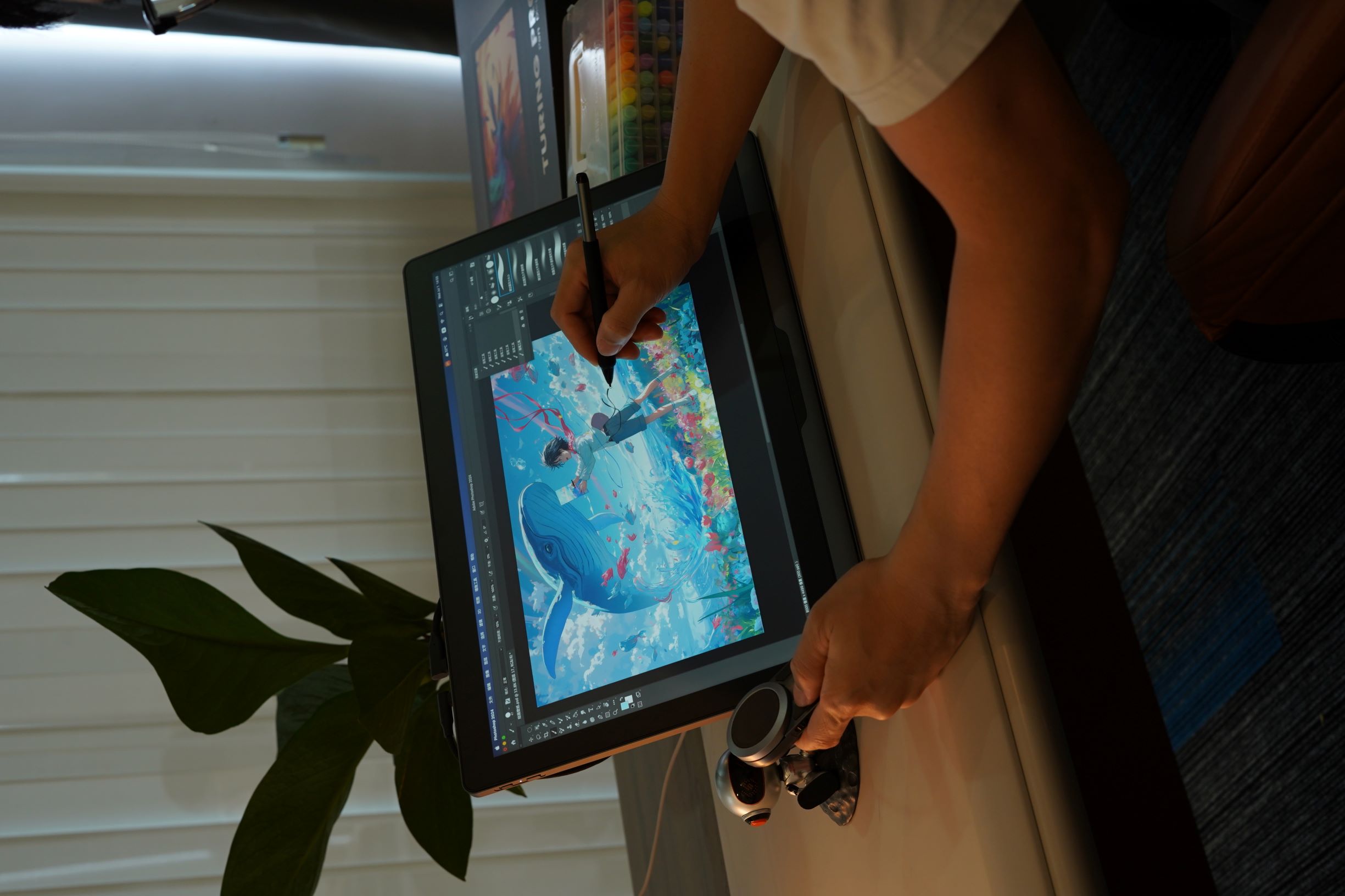
Color gamut coverage, such as the 99.5% sRGB coverage on the Turing 14 2.5K, tells buyers how wide a range of colors a screen can theoretically display. Color accuracy is a separate measurement, describing how faithfully the screen reproduces color that matches the intended values — often expressed through Delta E figures. A screen can cover a wide color gamut yet still shift colors inconsistently if it lacks proper calibration. This is why devices with hardware-level calibration platforms, or third-party validation such as Calman certification, provide more meaningful assurance for color-critical work than gamut percentages alone.
Screen Size vs. Drawing Comfort
Larger screens, such as 24-inch professional displays, offer more working canvas and can improve visibility for detailed line work. But screen size does not automatically translate into drawing comfort. Comfort depends on ergonomic factors like wrist support design — for example, a contoured wrist rest intended to reduce fatigue during long sessions — as well as how the display is positioned, stand adjustability, and how naturally the pen surface texture interacts with the pen tip. A smaller display with thoughtful ergonomic design can be more comfortable for extended daily use than a larger one without such consideration.
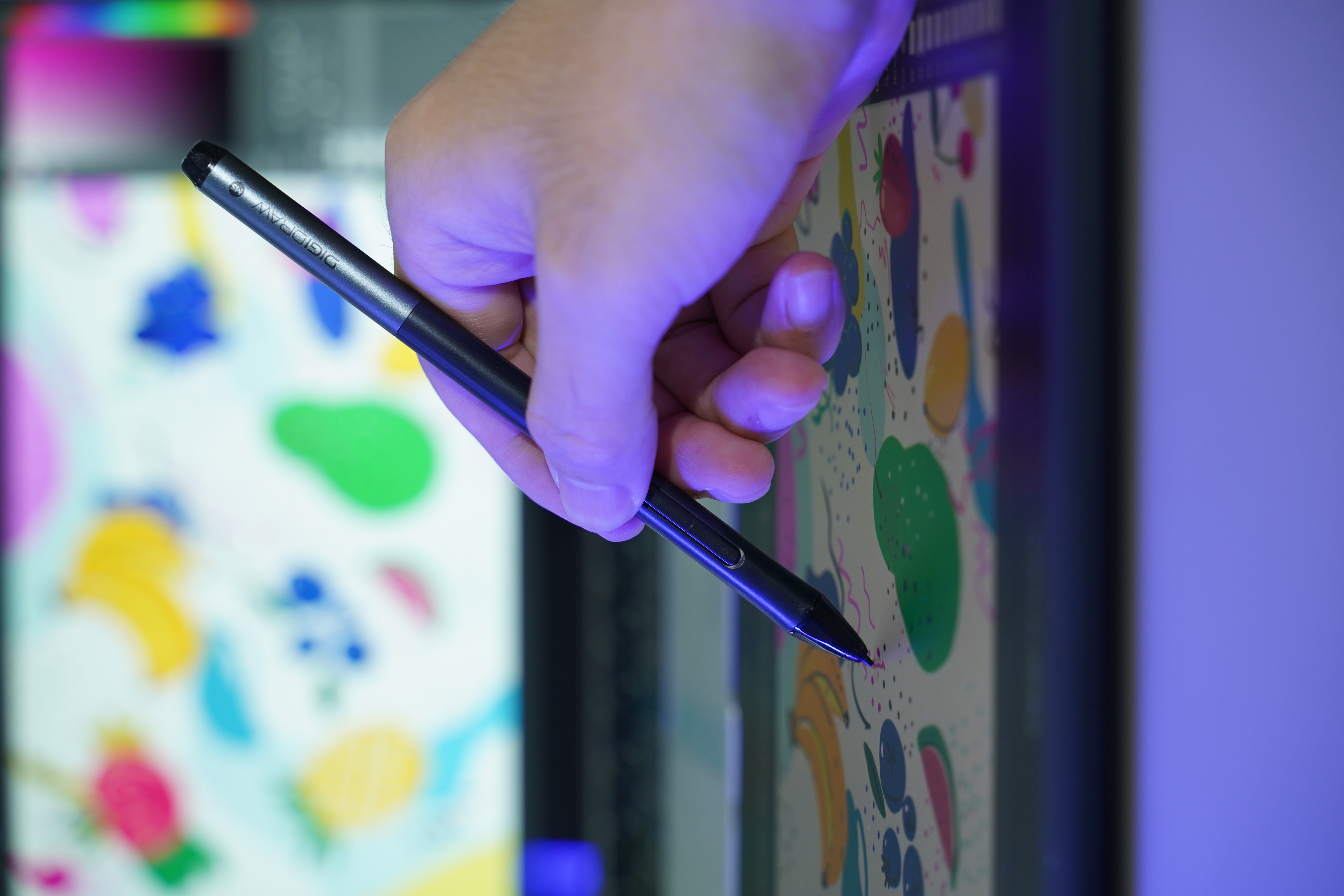
Hardware Specifications vs. Driver Stability
Perhaps the most overlooked factor is driver stability. A tablet can list excellent hardware specifications, but if the driver software is unstable across operating systems — Windows, macOS, Android, HarmonyOS, ChromeOS, or Linux — the actual user experience suffers regardless of hardware quality. Driver-level considerations include permission management, such as Full Disk Access settings required for secure driver operation on macOS, consistent OSD menu behavior, and reliable cross-platform compatibility. Specification sheets rarely mention driver quality, yet it directly affects daily usability.
How Creators Should Evaluate the Complete Drawing Experience
Rather than comparing single numbers side by side, creators benefit from evaluating the complete system: how pressure response feels during actual sketching, whether input feels immediate during fast strokes, whether colors remain consistent for the intended workflow, whether the device can be used comfortably for hours, and whether the software layer behind the hardware performs reliably across the operating systems the creator actually uses.
DigiDraw's Approach: Balancing Performance, Usability, and Creator Needs
DigiDraw, the brand under Turing Creation Technology (Shenzhen) Co., Ltd., illustrates how these considerations can be addressed together rather than separately. Its MagicPen 3.0 and 5.0 technologies, along with X3 Pro Pen technology, are paired with the Turing Color Master platform for cross-screen color consistency and hardware-level calibration — connecting sensor performance with color reliability rather than treating them as separate features. Products such as the Turing Pro 19 (touch) include ergonomic elements like a D-Contour wrist rest, addressing comfort alongside 4K UHD resolution and touch functionality. On the software side, DigiDraw supports a broad range of platforms, including Windows 7/10 or later, macOS 10.12 or later, Android, HarmonyOS 2.0, ChromeOS 88, and Linux (Ubuntu 20.04 LTS), backed by after-sales technical troubleshooting and driver security management. This structure reflects an approach focused on how specifications function together for professional creators, rather than promoting isolated figures.
Are Higher Drawing Tablet Specifications Always Better?
Not necessarily. Higher numbers can indicate stronger potential, but only when supported by proper tuning, calibration, ergonomic design, and stable driver software. A device with moderate specifications but well-integrated systems can outperform one with higher numbers but poor overall execution.
What Drawing Tablet Features Matter Most?
Based on the factors discussed, the features that matter most are: how well pressure sensitivity is tuned rather than its maximum level, how the input feels in real use rather than the raw report rate, verified color accuracy rather than gamut percentage alone, ergonomic comfort suited to long working sessions, and stable, well-supported drivers across the operating systems a creator actually relies on.
How Should Beginners Compare Drawing Tablets?
Beginners should look beyond spec sheets and consider the intended use case: which software ecosystem they work in (such as Adobe Creative Cloud, Clip Studio Paint, SAI, or Krita), which operating system they use, how long they typically draw in a single session, and whether after-sales support and tutorial resources are available. Comparing devices in this practical context, rather than by numbers alone, gives a clearer picture of which tablet will genuinely support their creative workflow.
Ultimately, drawing tablet specifications provide a useful starting point, but they are not the full story. The real creative experience emerges from how pressure response, input timing, color reproduction, physical comfort, and software stability work together as a complete system.
https://www.digidraw.com/
Turing Creative Technology (Shenzhen) Co., Ltd.